

Ultimatte 12 HD Mini
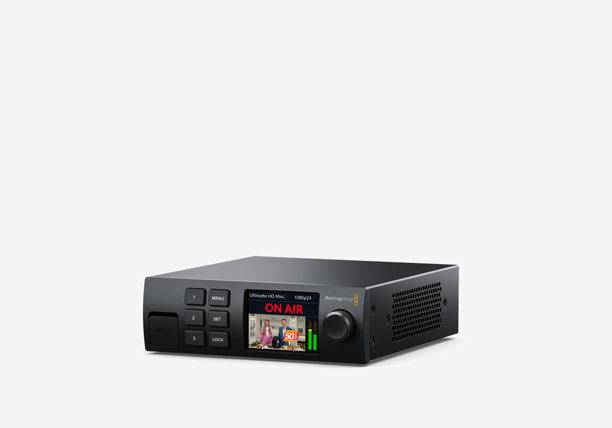
Unique Ultimatte 12 with HDMI connections so you get the world's most advanced keyer with consumer cameras! Get full Ultimatte 12 processing and frame stores to create virtual sets at no extra cost!

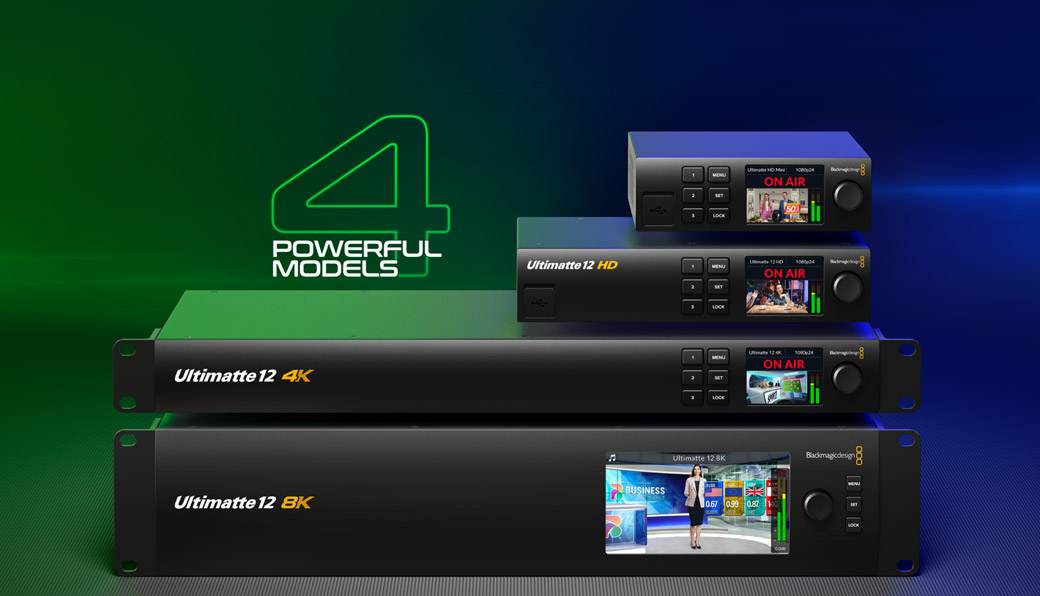
The all new Ultimatte 12 is more than the world’s best keyer, it’s an advanced real time compositing processor designed for the next generation of broadcast graphics. Ultimatte 12 features entirely new algorithms and color science that deliver true photorealistic composites. You get incredible edge handling, greater color separation, amazing color fidelity and better spill suppression than ever before, even in dark shadow areas or through transparent objects such as windows! Ultimatte 12 is available in 4 amazing models, with HD, Ultra HD and even native 8K support! Imagine presenting the weather, sports, news and entertainment in a cinematic quality environment, all composited in real time.
Find Reseller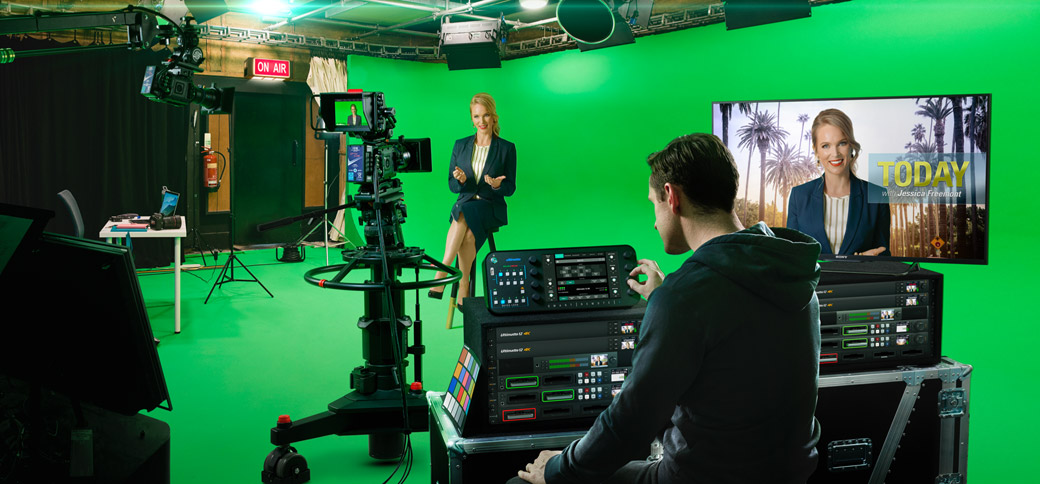
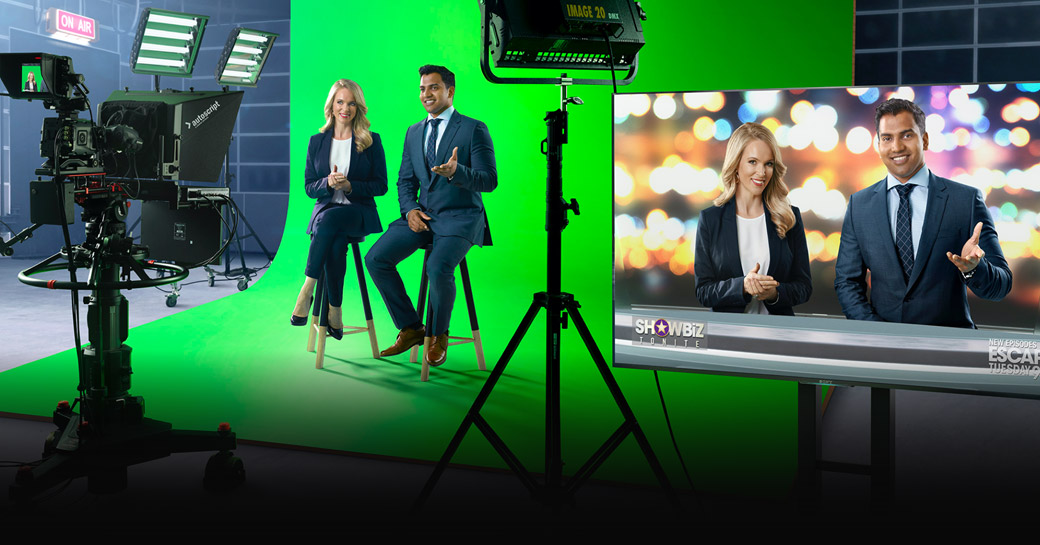
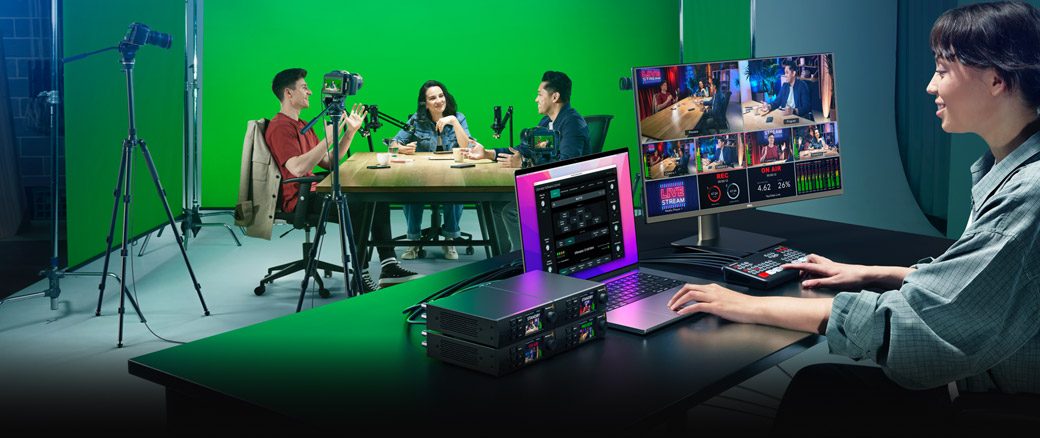
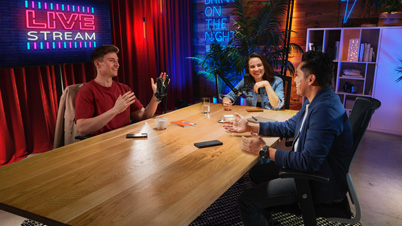
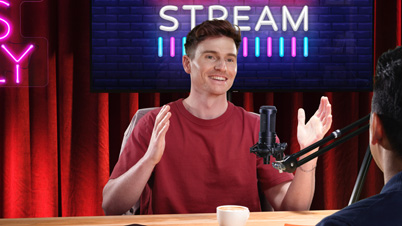
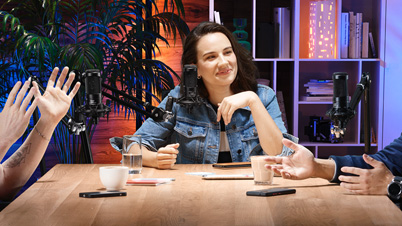
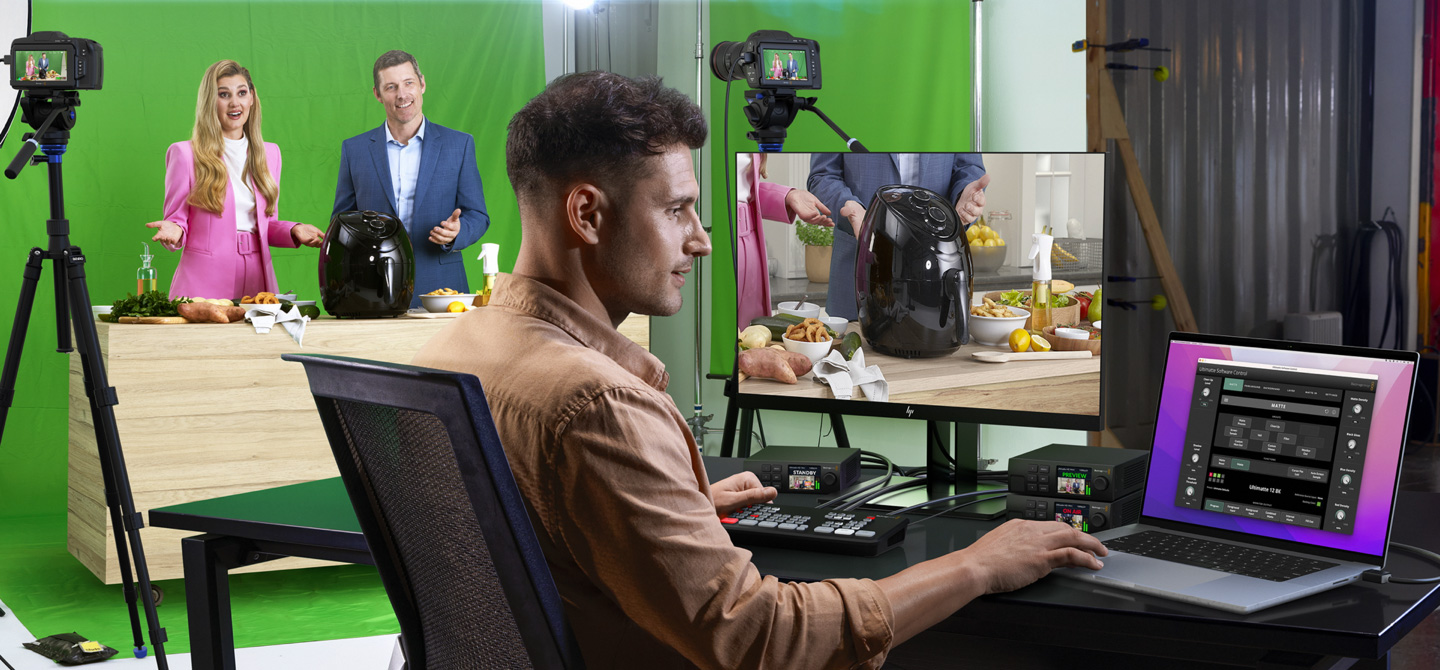
When you’re working live with multiple cameras shooting from different angles, it’s common for the green screens to suffer from variations. Plus the keyers built into live production switchers often have to be shared between cameras, which complicates keying because each camera sees the green screen a little differently. The new Ultimatte 12 eliminates these problems because you get incredible technology at an affordable price, allowing each camera to have a separate Ultimatte. That means each Ultimatte can be tuned to a specific camera’s view! With a dedicated Ultimatte on each camera, your compositions can go well beyond what's possible with set design, so you can create whole new worlds!
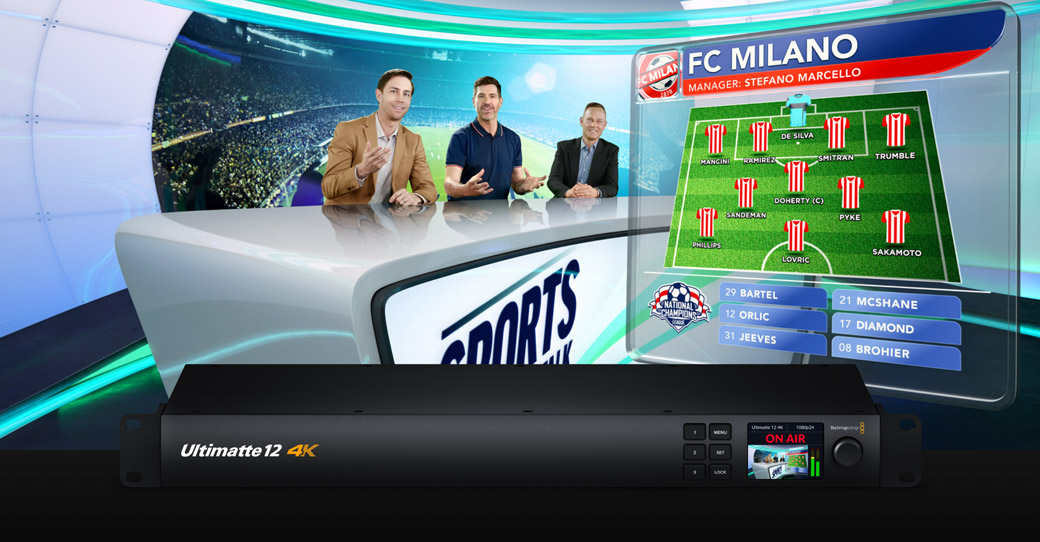
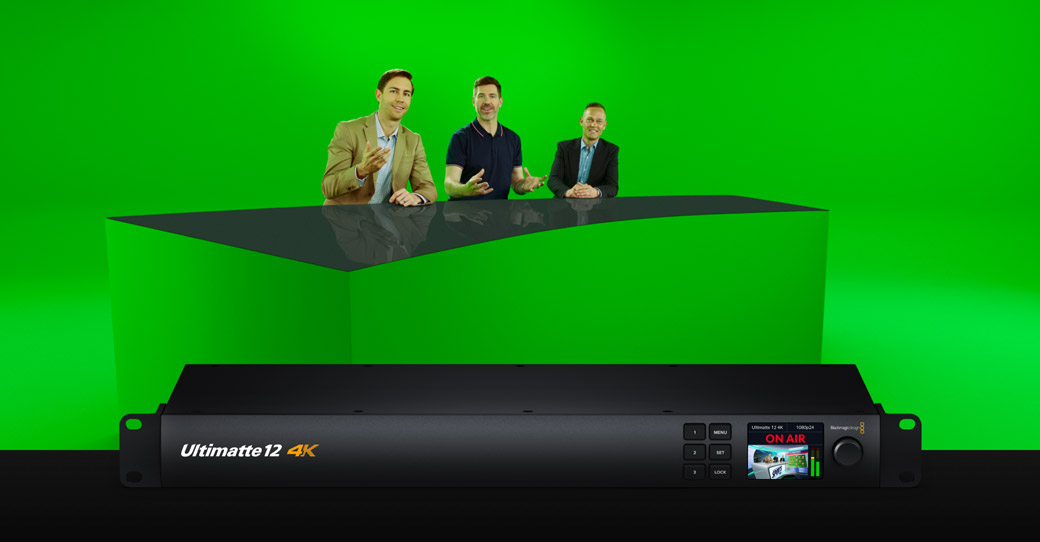
Whether you’re working in broadcast news, sports, film production, or magazine style entertainment programming, Ultimatte 12 has the quality for incredibly life like composites that place your talent into any scene! Plus the new Ultimatte 12 models include built in frame stores so you don't need live video sources for all inputs. You can also use Ultimatte 12 to layer computer generated augmented reality foreground objects into a scene, complete with realistic transparency that your talent can walk behind! Ultimatte 12 is also perfect for on set pre visualization in film production because it lets actors and directors watch the scene while they’re shooting.
Camera 1

Camera 2
Camera 3
Camera 4
Now you can create a massive broadcast set, even in small apartments or a basement! That's because all Ultimatte 12 models have frame stores so you can load pre rendered still frames from a 3D modeled broadcast set. This is a revolution in live production because you can now use a virtual set even if you don't have the space for a physical broadcast set! Plus without any external equipment! Just use multiple cameras, each with an Ultimatte 12 and a background frame loaded. As the backgrounds are pre rendered, they can be more photorealistic than a traditional virtual set. If the cameras don't move, the backgrounds will look perfect! Plus Ultimatte 12 is low cost, so you can use more cameras!
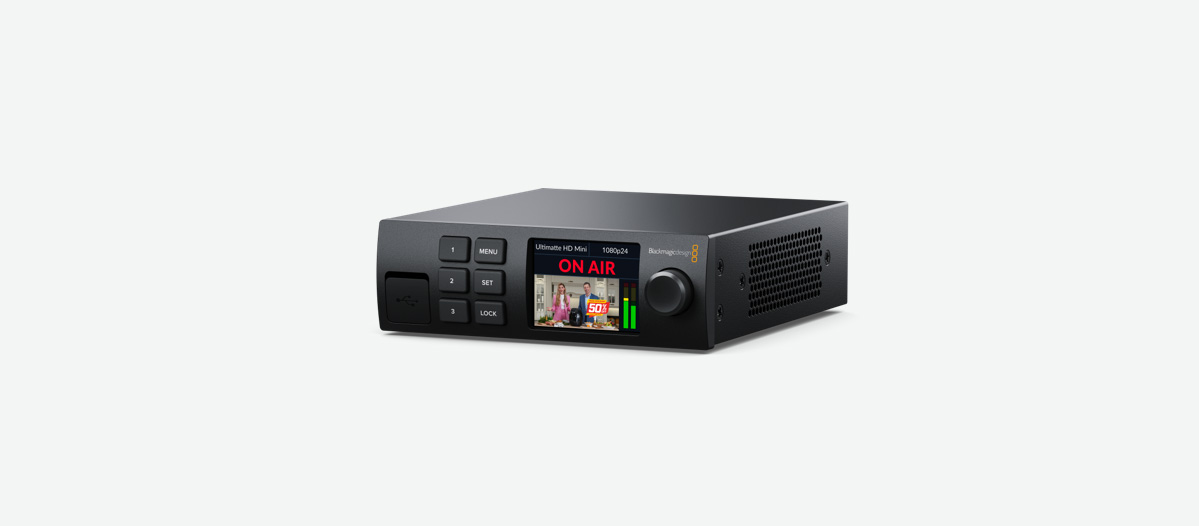
Unique Ultimatte 12 with HDMI connections so you get the world's most advanced keyer with consumer cameras! Get full Ultimatte 12 processing and frame stores to create virtual sets at no extra cost!
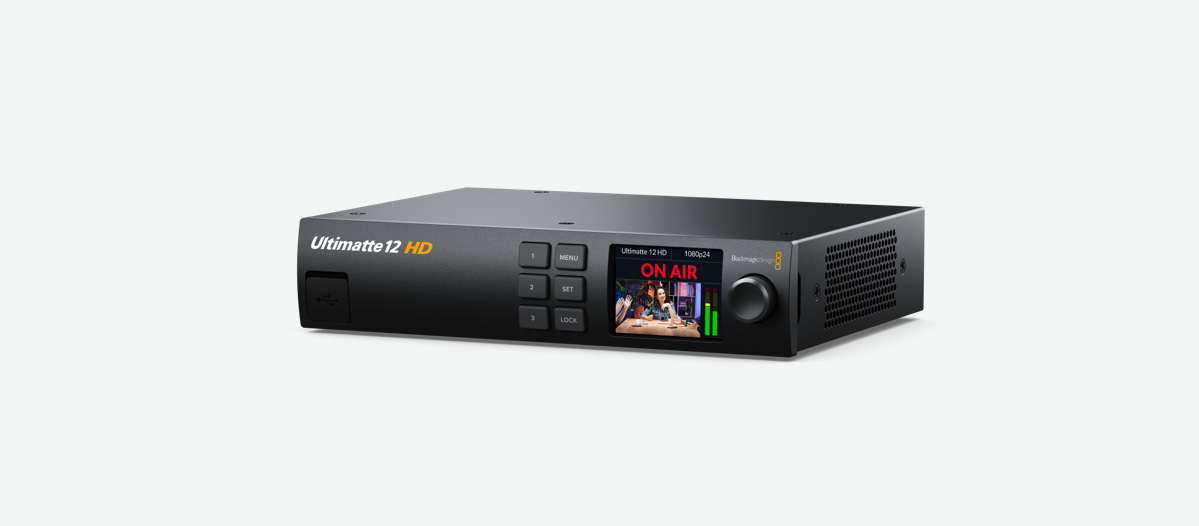
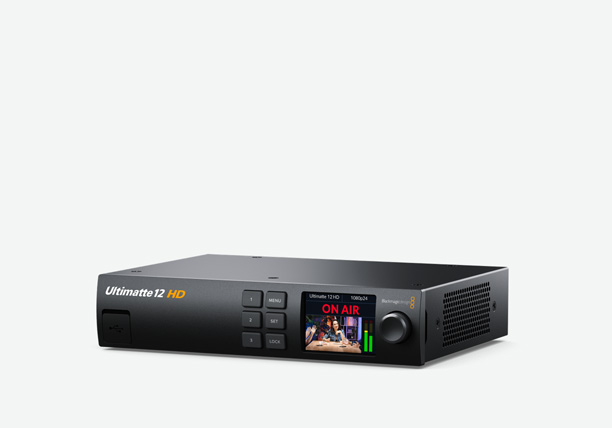
The world's most advanced chroma keyer in an affordable HD model. Full Ultimatte 12 quality processing gives you next generation edge handling, amazing color separation and better spill suppression.
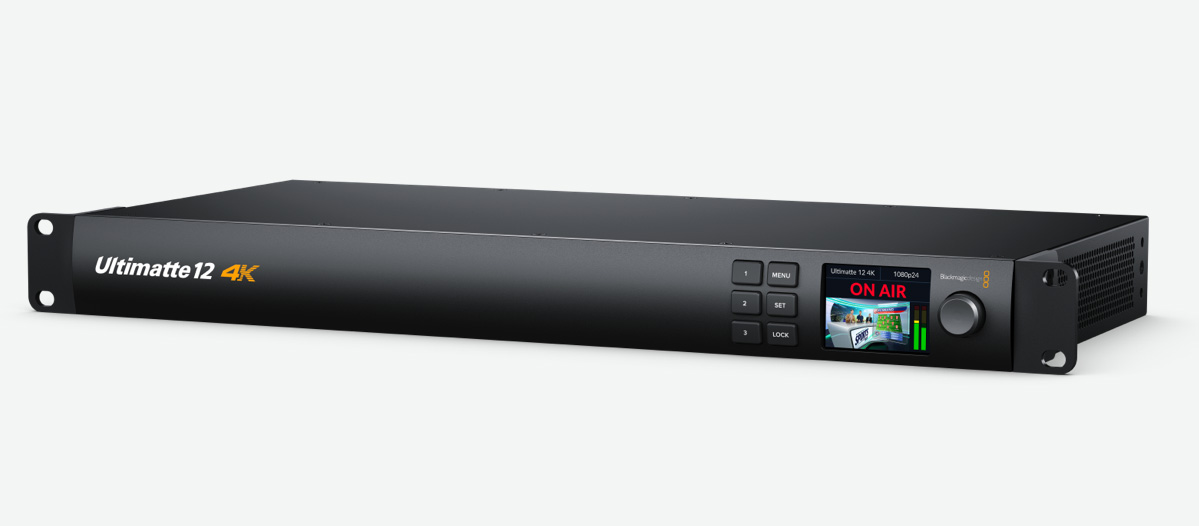
The world's most advanced chroma keyer with 12G-SDI connections for HD and Ultra HD work. Ultimatte 12 includes next generation edge handling, amazing color separation and better spill suppression.
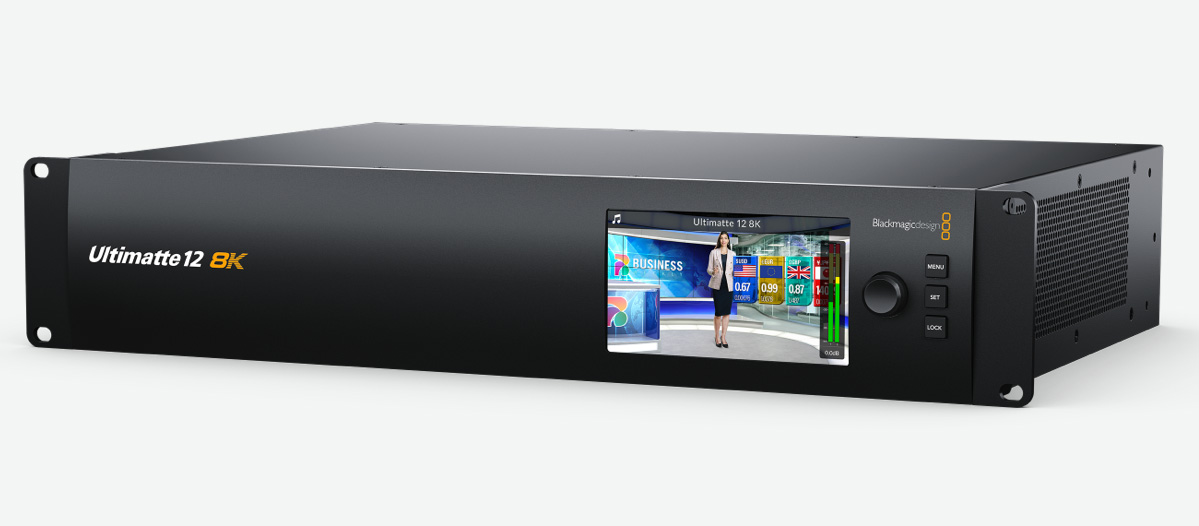
The world's most advanced chroma keyer with Quad Link 12G-SDI for HD, Ultra HD and 8K! The future proof design has full Ultimatte 12 processing in 8K for next generation broadcast and film production.
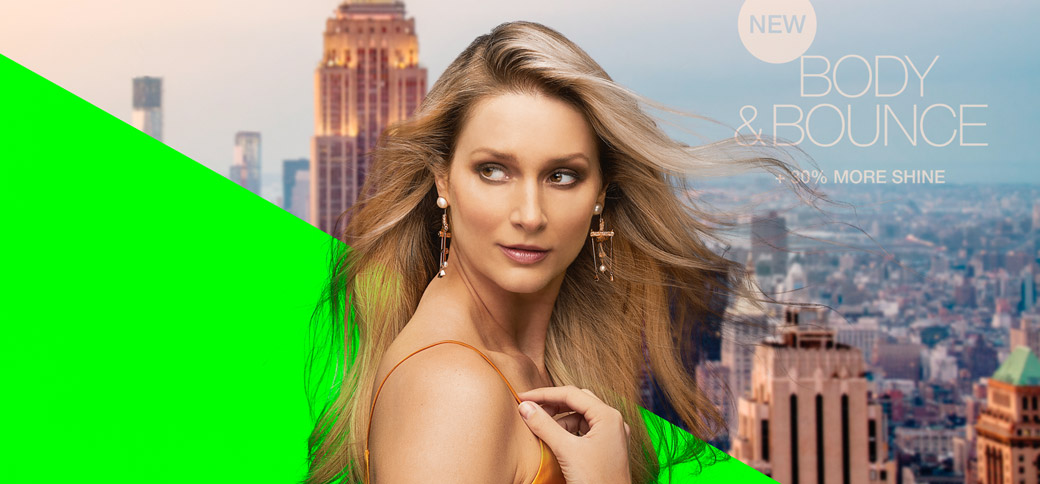
All Ultimatte 12 models, even Ultimatte 12 HD Mini, have the same incredibly advanced image processing algorithms and a huge internal color space! This means all models produce identical quality compositions! The processing automatically generates internal mattes so different parts of the image are processed separately based on the colors in each area. It’s like having the power of multiple Ultimatte keyers all working together on the same image! You get fine edge detail where it’s needed the most, like on hair, and smoother transitions between colors or other objects in the scene. Everything is handled by new math and sub pixel processing that’s designed for incredible quality and clarity.
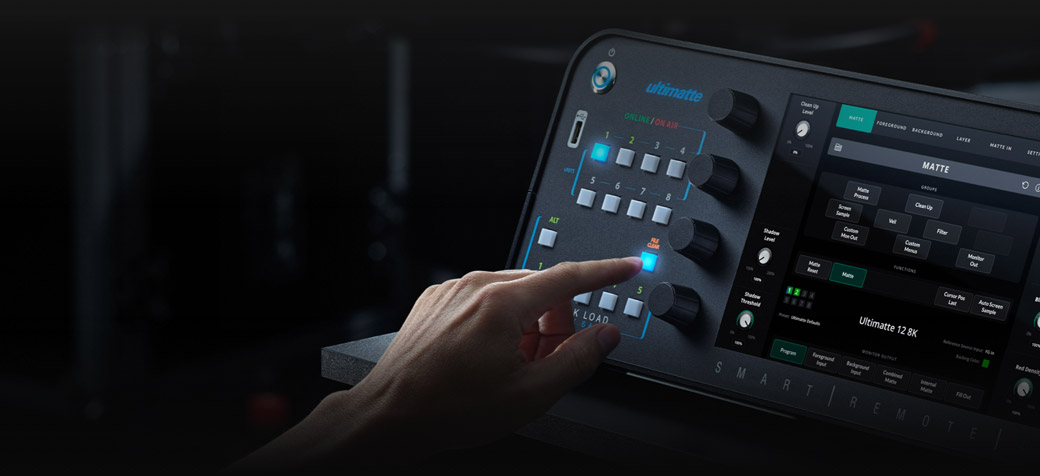


Click the File Clear button to see how Ultimatte 12 auto adjusts.
When it comes to live production, you need to work fast. Ultimatte 12 features one touch keying technology that analyzes a scene and automatically sets over a 100 parameters so you get great keys without having to do a lot of extra work! The first step is to ensure your scene is well lit and that the cameras are properly white balanced, then you simply activate the auto key and Ultimatte will do all the work for you! Plus all models include Screen Correction to compensate for unevenly lit green/blue screens. One touch keying is dramatically faster and helps you accurately pull a key with minimum effort. That leaves you free to focus on the program, while Ultimatte 12 takes care of the rest!
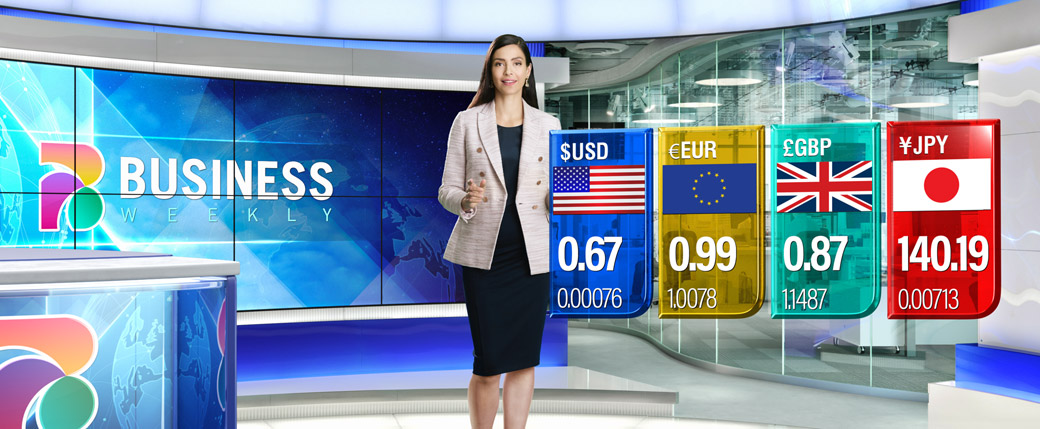
Adding additional translucent objects, such as colored or tinted glass and computer graphics, is virtually impossible with a traditional keyer. That’s because you can’t subtract a blue or green screen out of a semi-transparent colored object without changing the object’s original color. Now, with Ultimatte 12, you get a revolutionary new layer compositing mode that lets you add tinted objects on top of the foreground image. That allows a whole new generation of realistic translucent glass looks in broadcast graphics! This means that when you look through the object, or your talent walks behind it, the tinted colors are accurately preserved, making the shot look completely realistic!

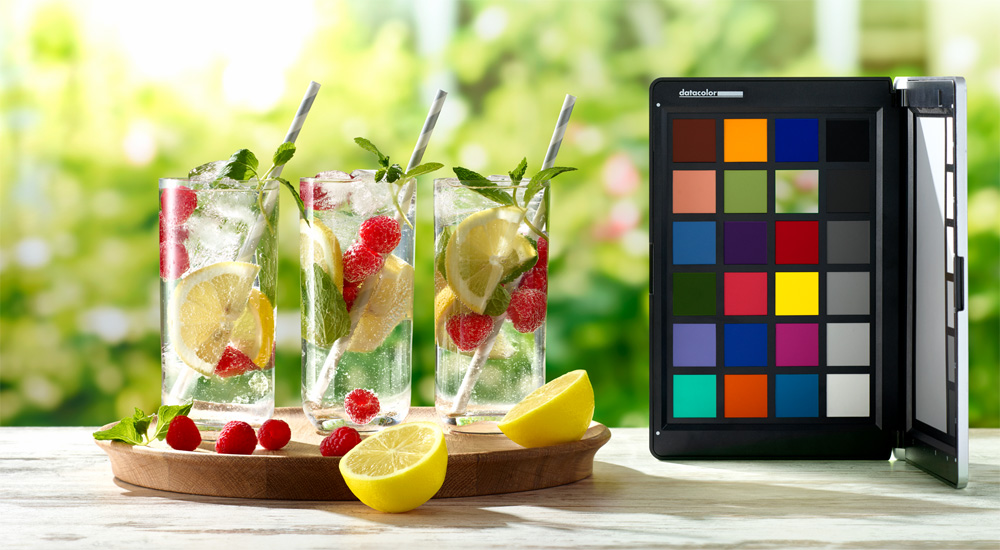
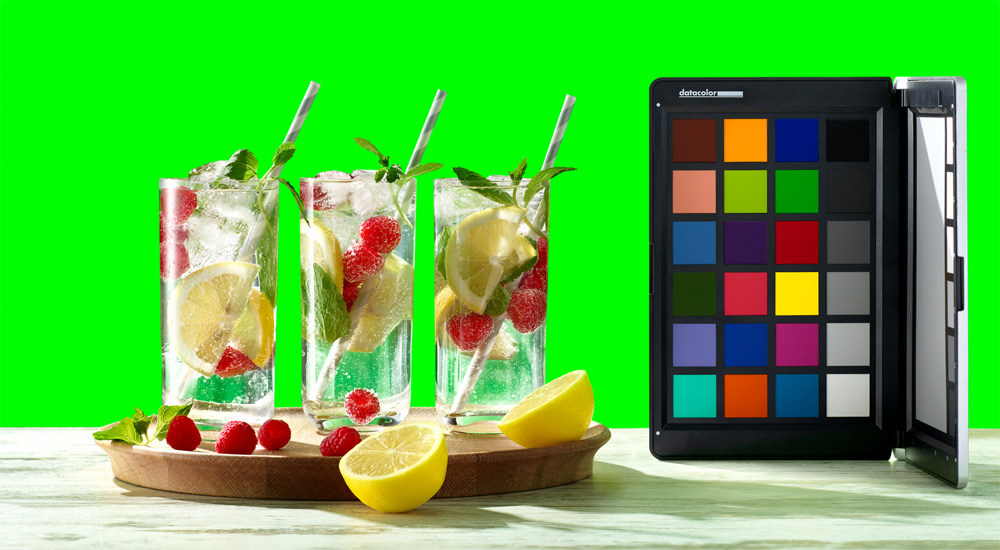

With Ultimatte 12, you get new advanced flare, edge and transition processing so you can remove the background, without affecting the colors you want to keep! What this means is you’ll be able to retain and faithfully reproduce colors that are impossible on other keyers, such as a bright yellow dress in front of a green screen! Ultimatte 12 is smart enough to isolate and treat different parts of the image separately, while also keeping the color transitions between areas smooth. You get the highest quality compositing, so the final output looks photorealistic. Unlike other keyers, Ultimatte 12 delivers crisp clear images with vibrant colors that pop!


The improved flare algorithms in Ultimatte 12 can remove green tinting and spill from anything, which is one of the reasons why Ultimatte 12 creates true, realistic looking virtual environments! That also means you don’t have to worry about shadows or transparent objects with reflections. Ultimatte 12 automatically samples the colors, creates seamless mattes for walls, floors and other parts of the image, and then applies the necessary corrections. Shadows are properly mapped and composited onto the new background, spill is removed, and transparent objects are handled with perfection!

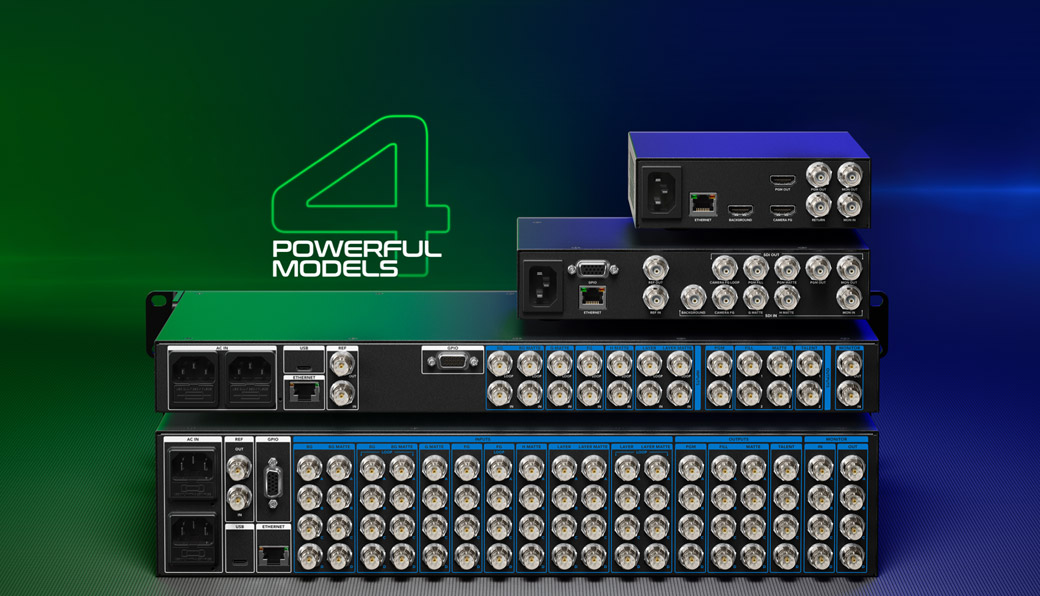
Ultimatte 12 features up to 7 different input connections, depending on the model, that are used for compositing different source elements together. These include foreground and background, along with holdout and garbage mattes, as well as additional layer inputs for superimposing additional images over the composited image. Ultimatte 12 even lets you use sources that are not synchronized when working with static shots! With the new Ultimatte 12 models, you can even operate without video sources because the internal frame stores let you load backgrounds and other elements internally! That dramatically lowers the cost of building Ultimatte based broadcast systems!
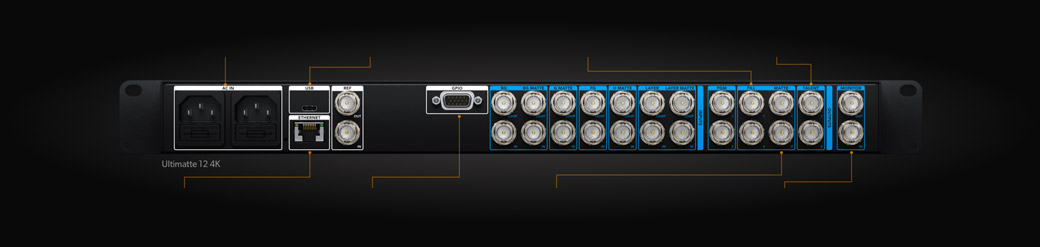
Dual redundant 100‑240V power supplies ensure reliability in critical on‑air broadcast use.
USB allows you to update the firmware and connect to the Ultimatte administration utility software.
If you want to layer composition in an external switcher, then you can use the fill and key output.
Connect a talent monitor so actors can see their composite.
Connect to Ultimatte Software Control that’s included for Mac and Windows, or a Smart Remote 4.
The GPI inputs can be used to load and run a preset, or a sequence of macro style presets.
This output is used with the fill output when building the composition in an external switcher.
Monitoring loop lets an operator preview different internal sources across multiple Ultimatte units.
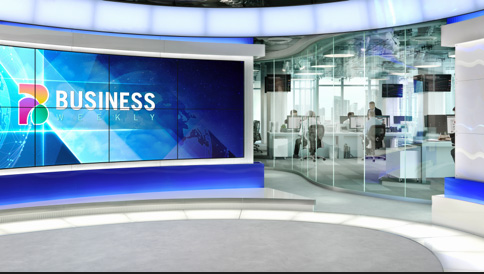
Source input containing the new background such as a virtual set video source or a matte painting.

Used to displace opaque areas in the background so foreground elements can appear behind them.

Removes areas of the foreground source that you don’t want to be included in the composite.
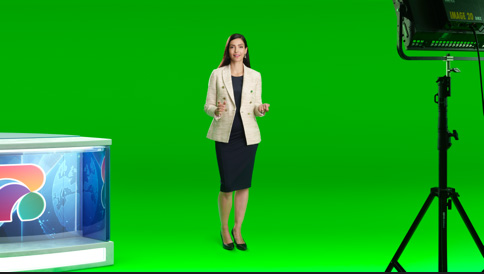
The foreground input is the source from your camera. This is the talent shot with the green screen.

Keeps foreground objects from being keyed out such as items with similar colors to the screen color.
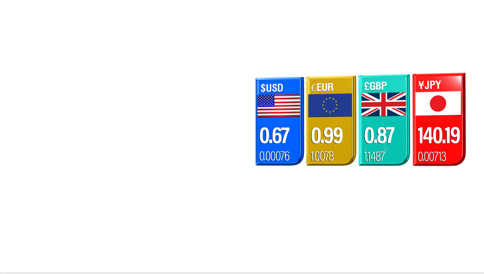
Downstream keyer input that allows you to superimpose sources over the foreground, such as titles.
This is the key for the layer source and is used when creating a composition with the layer input.
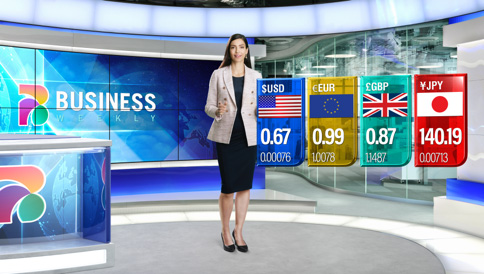
The main output for broadcast with background, foreground and layers all composited together.
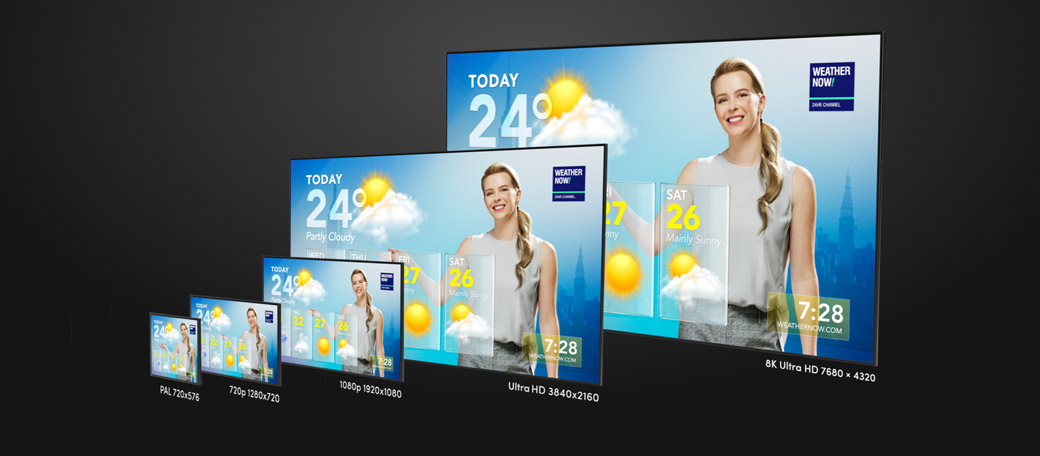
The Ultimatte 12 4K and Ultimatte 12 8K models feature advanced 12G-SDI connections so you can operate with current HD video formats as well as future Ultra HD and 8K video formats. 12G-SDI gives you high frame rate Ultra HD via a single BNC connection that also plugs into all of your regular HD equipment! That means Ultimatte 12 4K is compatible with virtually all SD, HD, 3G, 6G and 12G-SDI equipment, and supports all HD and Ultra HD formats up to 2160p60! While the Ultimatte 12 8K model features Quad Link 12G-SDI for all video formats up to 4320p60 8K. All this means you can use Ultimatte 12 with your HD cameras now, but then instantly switch to Ultra HD or 8K when you’re ready!
All Ultimatte 12 models feature a monitor cascade feature that lets you view the monitor output from up to eight Ultimatte units on a single SDI display. Simply connect up to eight Ultimatte units via an SDI daisy chain using the monitor input and monitor output connections, with the last Ultimatte unit then plugged into an SDI monitor. Then when you switch to monitor any specific Ultimatte unit using the Ultimatte Software Control or the Smart Remote 4, the monitor output will then clean switch, with almost zero latency, and be passed down the chain for display on the monitor. This greatly simplifies monitoring, even when working with lots of Ultimatte equipped cameras.
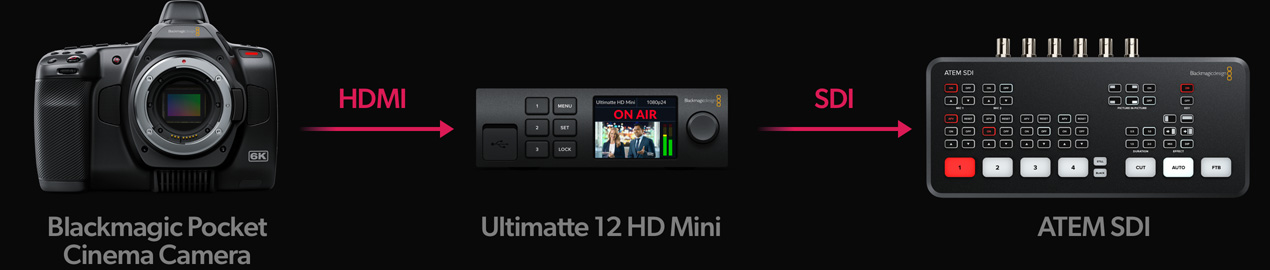
The unique Ultimatte 12 HD Mini model has a special feature that allows conversion of SDI camera control to HDMI. This means an ATEM SDI switcher can control a HDMI connected Blackmagic Pocket Cinema Camera. All ATEM switchers send camera control over SDI, and this Ultimatte model can translate it to HDMI for the camera. Just connect SDI from the Ultimatte out to the switcher input, the switcher program out to the Ultimatte SDI input, and then the HDMI connects to the camera. Now add a camera number in the Ultimatte utility to get control of the camera color corrector, tally and even remote record trigger! Plus you also get camera control with HDMI when used with switchers such as ATEM Mini!
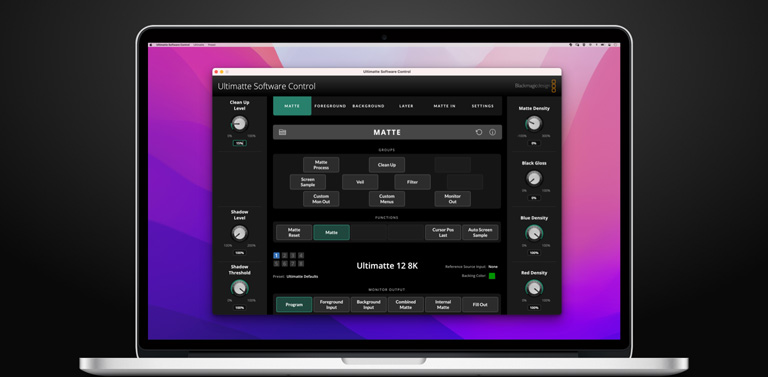
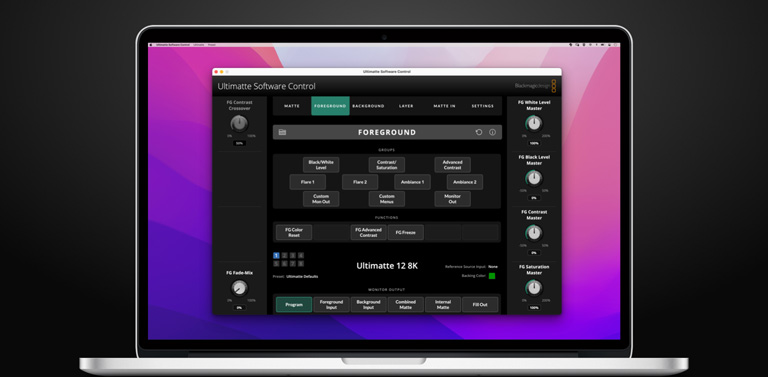
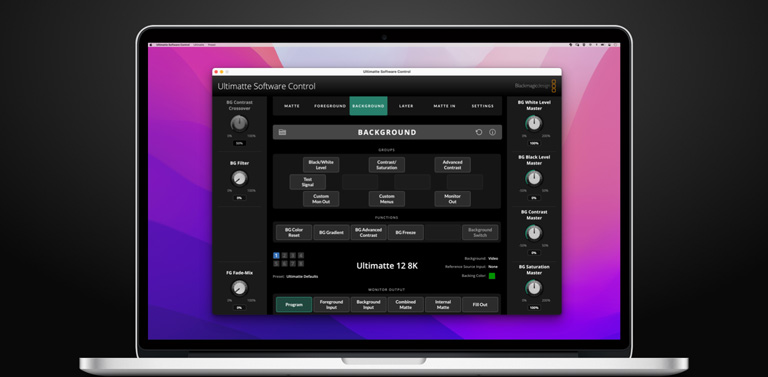
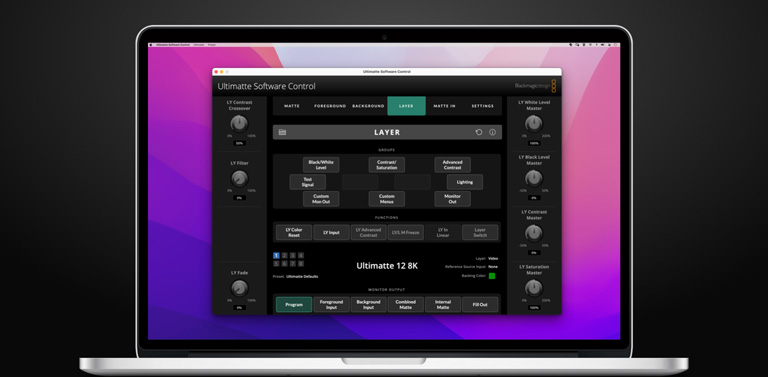
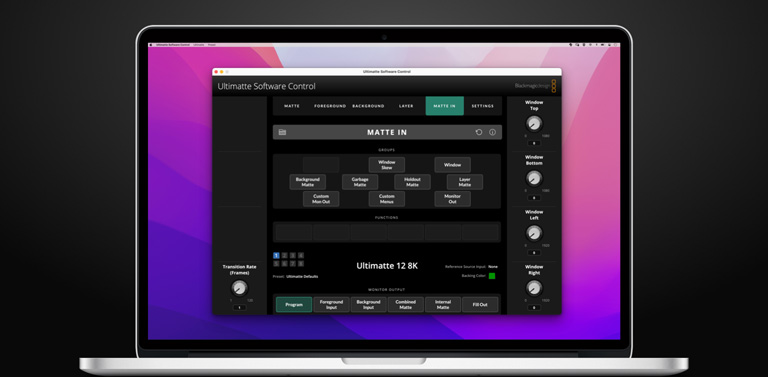
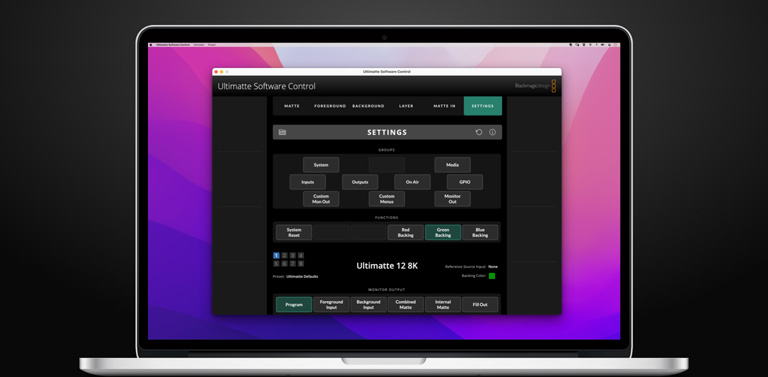
All Ultimatte 12 models include the free Ultimatte Software Control for Mac and Windows. The main window has menus arranged in sections that perform different functions. Although the interface can look intimidating at first glance as it has so many different buttons and settings, it won’t take long to master, so you will quickly learn to move between settings instinctively as you build your composition. Because Ultimatte Software Control runs on a computer, you can upload the Ultimatte 12 frame stores! All settings and still frames are saved in flash memory so are preserved when the power is turned off. Plus the Ultimatte 12 4K and 8K models include 10G Ethernet for even faster file upload!
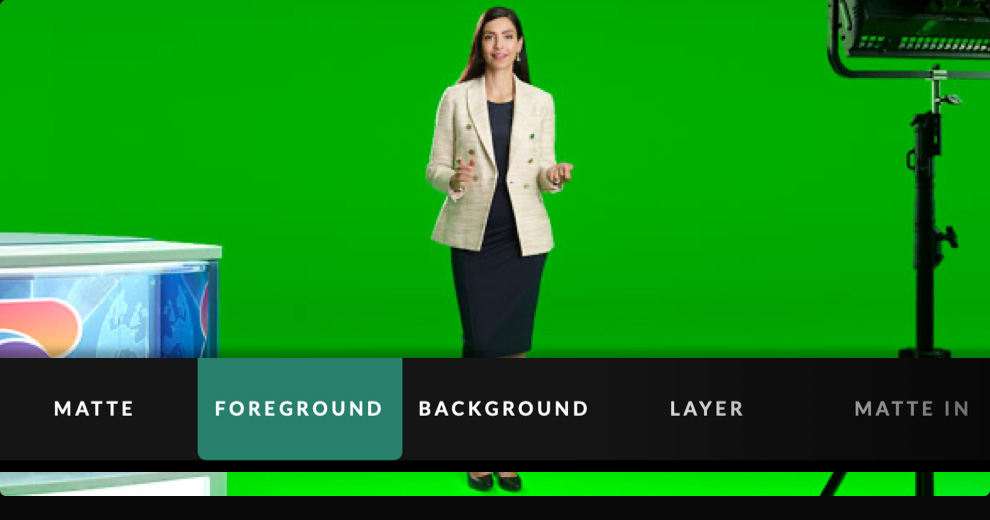
Tap the menu buttons along the top of the window to select the different input sources you want to adjust. You can also select the matte for making adjustments to the primary matte, and configure your Ultimatte 12.
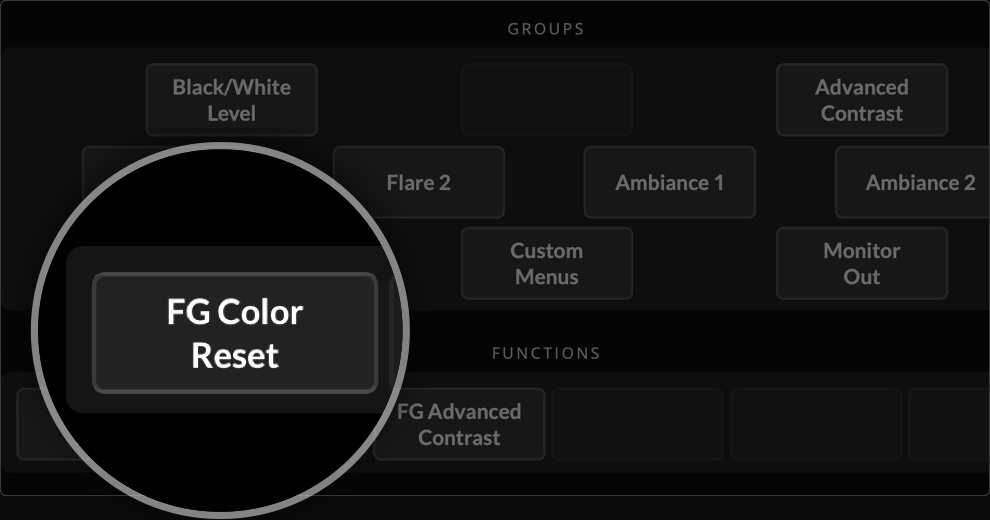
The functions section provides specific Ultimatte settings that can be selected, enabled or disabled. For example, one of the most common controls is reset, which is located in this section if you need to restore a particular setting to its default state.
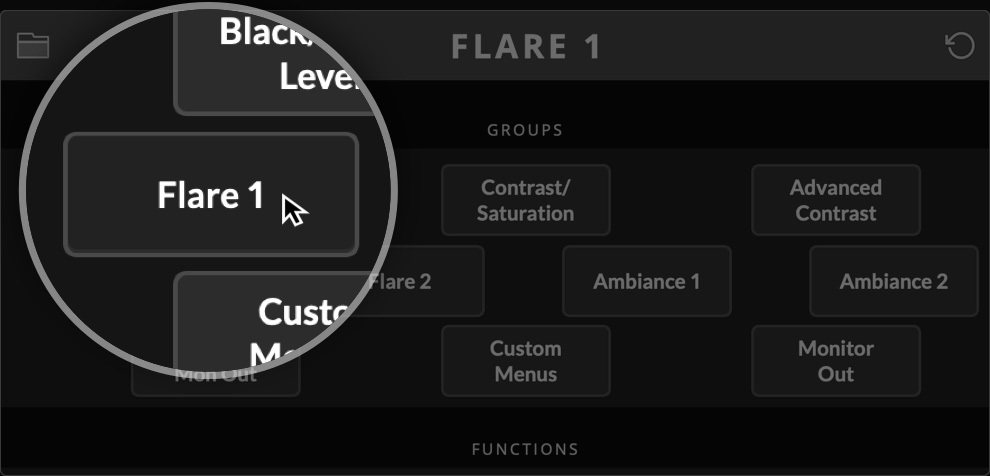
This section of the interface contains the majority of the settings menus. For example, if you want to adjust the foreground flare controls, then simply click the foreground button, then click the Flare 1 button. The flare controls will now be visible on the main window side controls for adjustment.
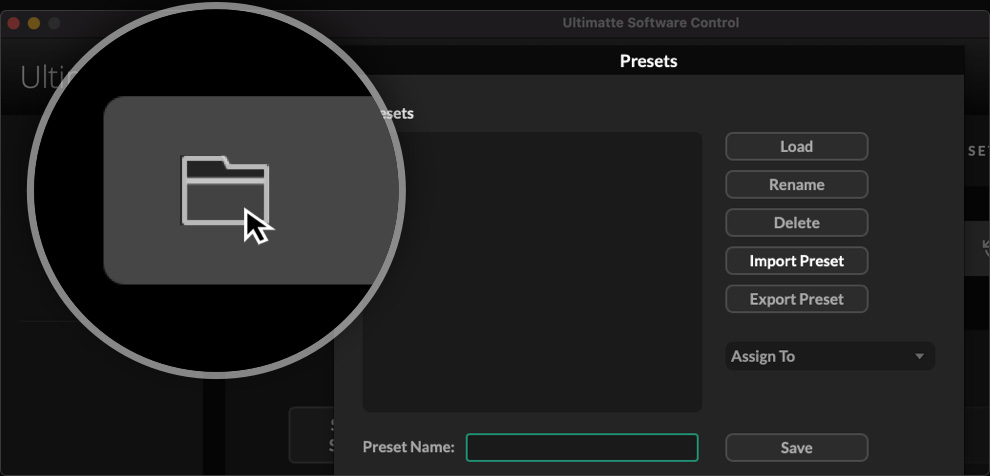
This section lets you save preset files and configure some of the settings on your Ultimatte. Simply click the folder icon to save a preset! Plus settings can be copied between different models of Ultimatte 12. You can also view status and configuration by clicking on the small information icon.
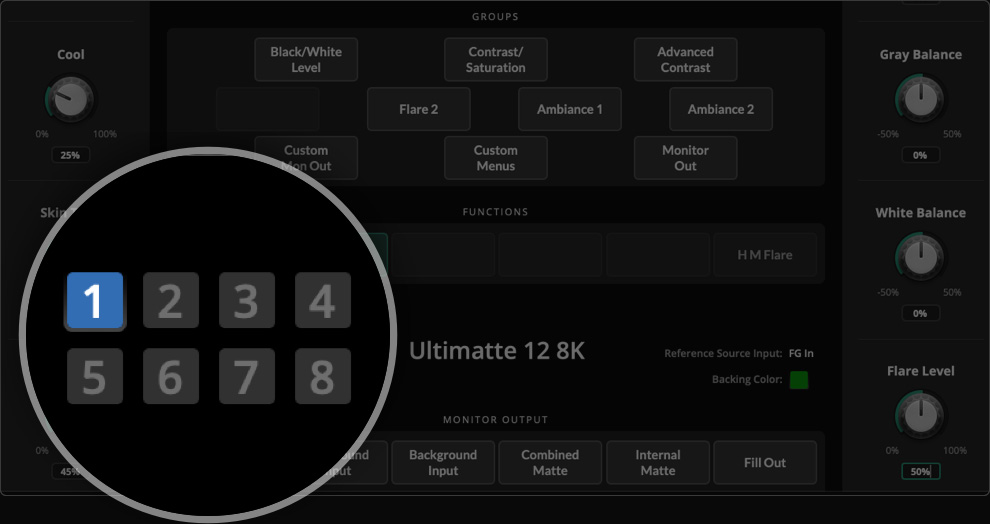
You can see all the Ultimatte units being controlled by the Ultimatte Software Control by looking at the status bar on the bottom of the main window. The status of each unit icon will illuminate green when identified on your network. When a unit is selected for control the icon will illuminate blue.
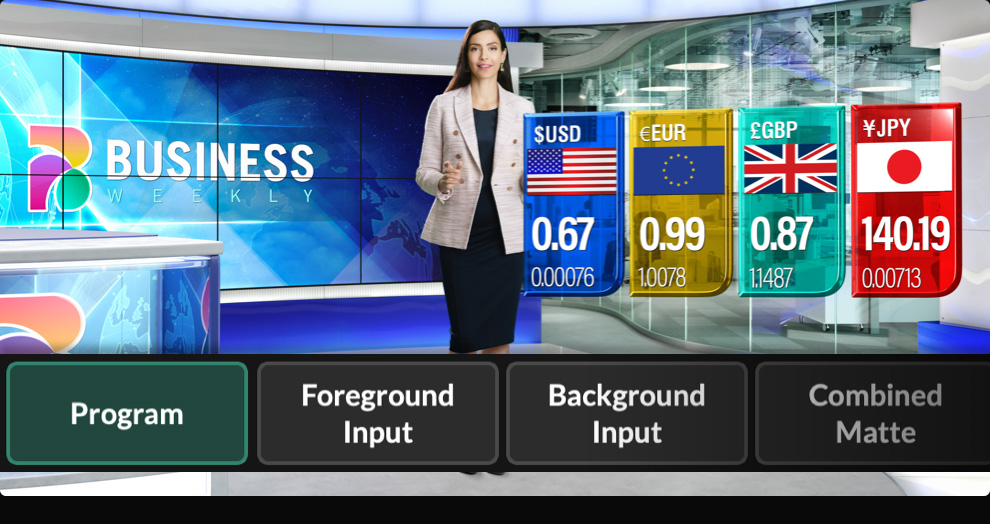
This is one of the most important controls and will set what images are displayed on a video monitor connected to your Ultimatte’s monitor output. You can change the monitor display between program out, foreground input, background input, combined matte view, internal matte view and fill out.
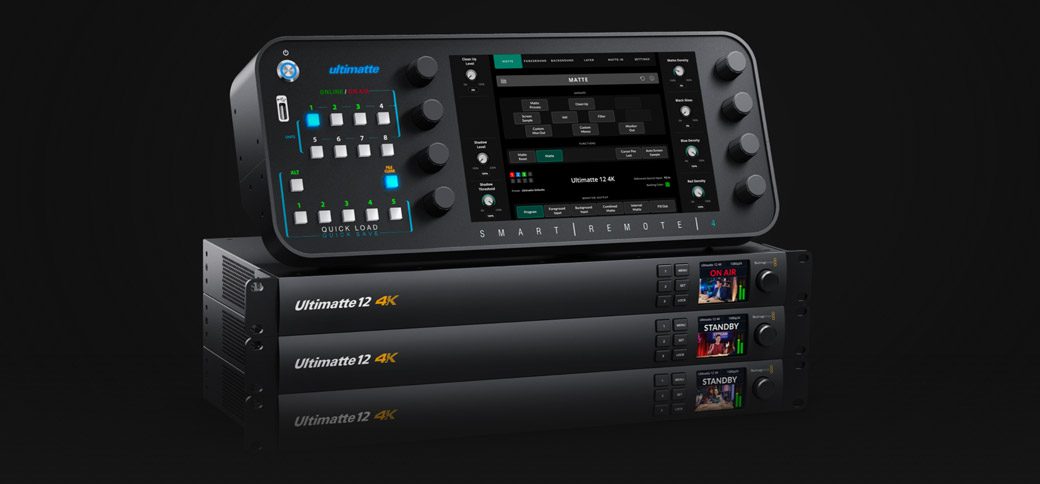
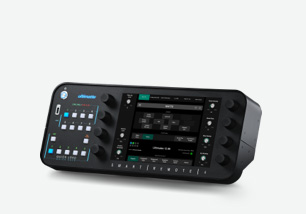
The Ultimatte Smart Remote 4 is a touchscreen remote that connects via Ethernet to control up to eight Ultimatte 12 units. Combined with the monitor cascade, this means you can view up to eight Ultimatte 12 units without adding a video router. Smart Remote 4 also features physical buttons and knobs for finer control of the Ultimatte 12 parameters. There are also buttons for quickly loading and saving presets, and a touchscreen that gives you full control over every Ultimatte parameter. Plus the front panel of the Ultimatte rack unit also has buttons to allow recall of custom presets! You can also create custom control solutions with the easy to use text based Ultimatte control protocol.